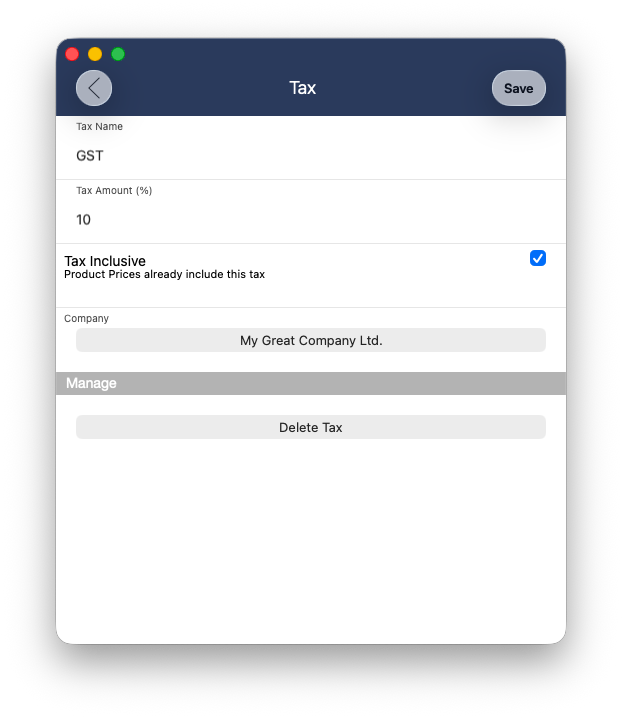
If the prices of the products or services already includes an added tax to its price already, then you would want to set the “Tax Inclusive” feature to ON for your tax setting.
Example - Tax Inclusive (ON)
Product: Headphone - $100.00
Tax Rate: 10%
Invoice subtotal: $90.91
Tax amount: $9.09
Invoice Total: $100.00
Example - Tax Inclusive (OFF)
Product: Headphone - $100.00
Tax Rate: 10%
Invoice subtotal: $100.00
Tax amount: $10.00
Invoice Total: $110.00